
Automated Document Processing: How IDP Works, Build vs Buy, and What It Costs
Capture, classify, extract, validate, route: how AI document processing works, where it pays back first, IDP software vs a custom pipeline, how to measure accuracy, and what it costs.

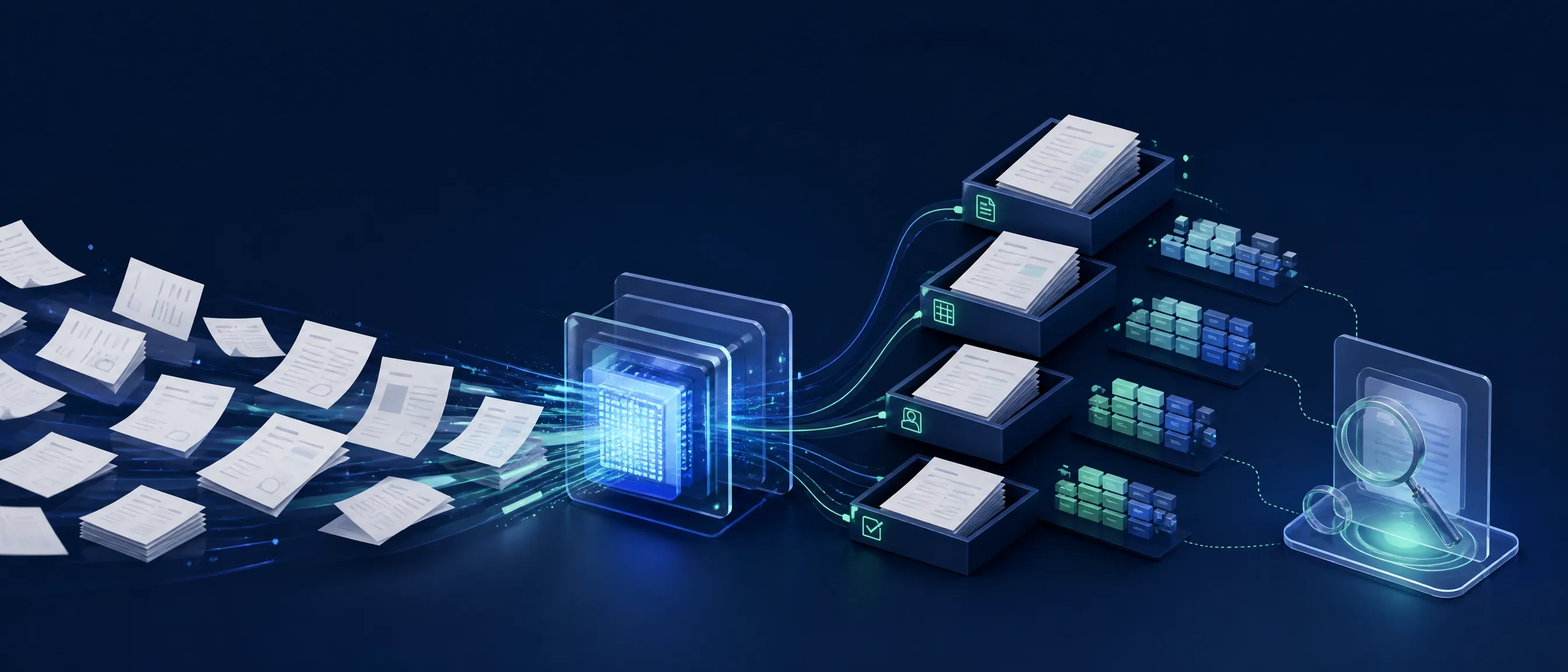
Automated document processing takes the documents a business receives — invoices, claims, contracts, intake forms, onboarding packets — and turns them into structured, validated data that flows into the right system without a person retyping it. The pipeline is capture, classify, extract, validate and route, with a human reviewing only the cases the system is not sure about.
This guide is for the operations, finance, insurance or healthcare lead whose team spends its days moving information from PDFs into software. It explains how the pipeline works and what changed when large language models replaced template-based extraction, where it pays back first, whether to buy an intelligent document processing product or build a custom pipeline, how to measure accuracy before you trust it, and what it costs.
The short version: start with one document type and one real sample set, measure field-level accuracy before anything goes live, and keep a human in the loop for low-confidence cases from day one. Teams that skip the measurement step either over-trust the system or abandon it.
How does automated document processing work?
A document processing pipeline has five stages. Capture brings documents in from email, scanners, portals or APIs. Classification decides what each document is. Extraction pulls the fields you need into a defined schema. Validation checks them against rules and other systems. Routing sends the result to the ERP, EHR, CRM or workflow tool, with exceptions queued for a person.
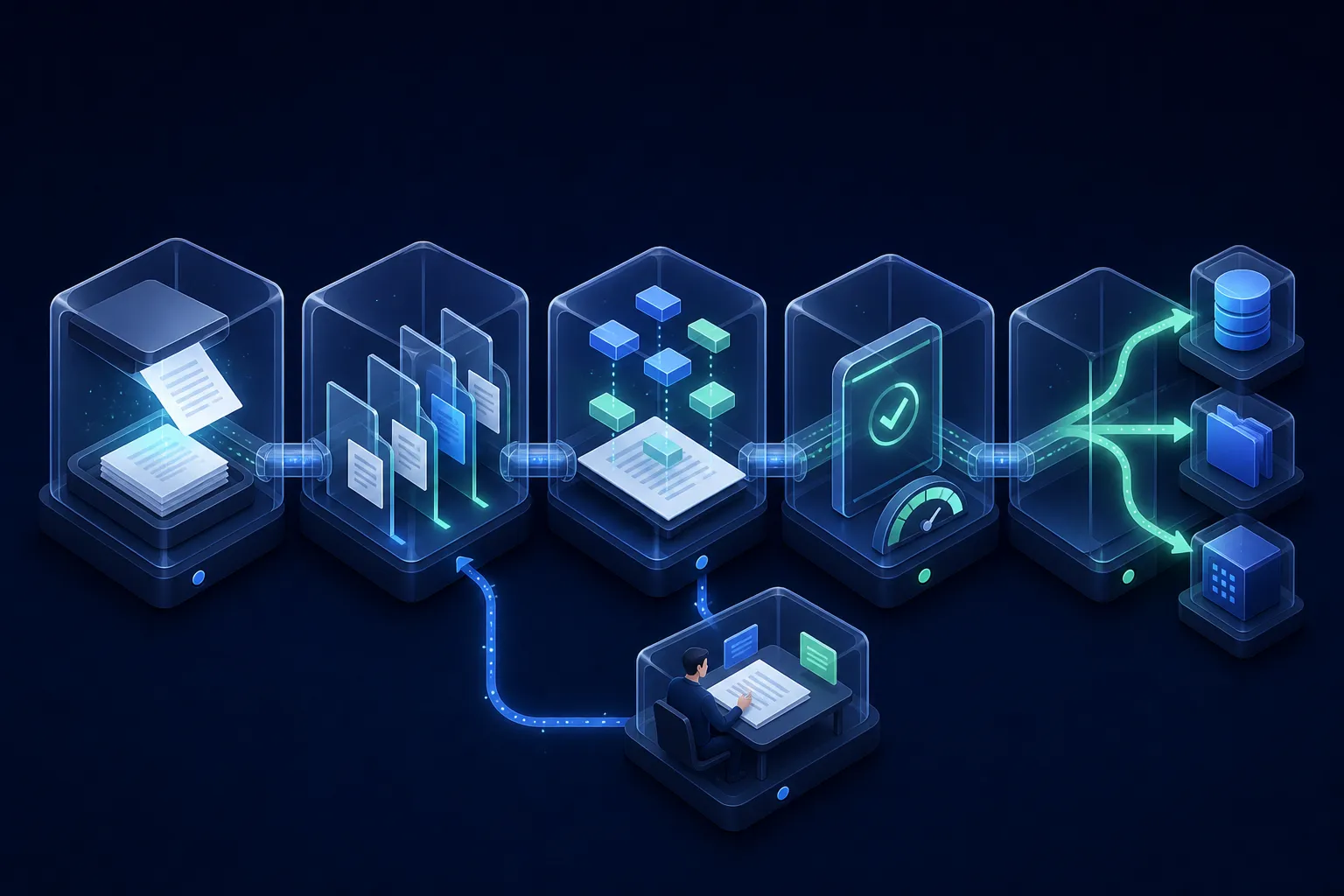
- Capture. Email inboxes, upload portals, scanners, fax gateways in healthcare, partner APIs. The failure point here is duplicates and attachments that are not documents at all.
- Classify. Invoice or credit note, claim form or supporting letter, which version of a contract template. Modern vision-language models classify from the page itself rather than from filenames.
- Extract. Fields, tables and line items into a schema you define. This is where LLMs changed the economics: a model can read a layout it has never seen, so you no longer build a template per vendor.
- Validate. Totals that add up, dates in range, vendor matched to a master record, policy number that exists. Validation is what turns a plausible extraction into a trustworthy one.
- Route. Post to the system of record, trigger the workflow, or send to a review queue with the fields highlighted on the page for a human to confirm.
What changed with LLMs is the extract stage. Template- and rule-based optical character recognition needed a layout per document source and broke when a vendor changed its invoice design. A language model with a schema handles layouts it has never seen, reads handwriting and stamps better, and explains what it extracted. What did not change: it is still wrong sometimes, and it is confidently wrong, which is why validation and confidence thresholds matter more than the model choice.
Where does document processing pay back first?
Document processing pays back fastest where volume is high, the documents are repetitive, the data has a clear destination system, and the cost of a manual error is real. Accounts payable, insurance claims, contract intake, customer onboarding and medical intake are the usual starting points, and each has a metric you already track.
| Document type | Volume signal | Accuracy bar | Metric to track |
|---|---|---|---|
| Invoices and receipts | Hundreds per month, many vendors | High on totals and tax; line items can tolerate review | Cost per invoice, days to post, exception rate |
| Insurance claims | Mixed forms plus supporting documents | Very high on policy and amount fields | Straight-through processing rate, cycle time |
| Contracts | Lower volume, high value per document | High on parties, dates, renewal and liability clauses | Review hours per contract, missed renewals |
| KYC and onboarding | IDs, proofs of address, forms | Very high; regulatory | Time to onboard, manual touches per customer |
| Medical intake and referrals | Faxes and scans, often handwritten | Very high on patient identifiers | Intake time, re-keying errors, staff hours |
Pick one row, not the whole table. A pipeline that processes one document type well earns the trust to be given the next, and the second type is usually much cheaper because the capture, review and routing plumbing already exists.
Should you buy IDP software or build a custom pipeline?
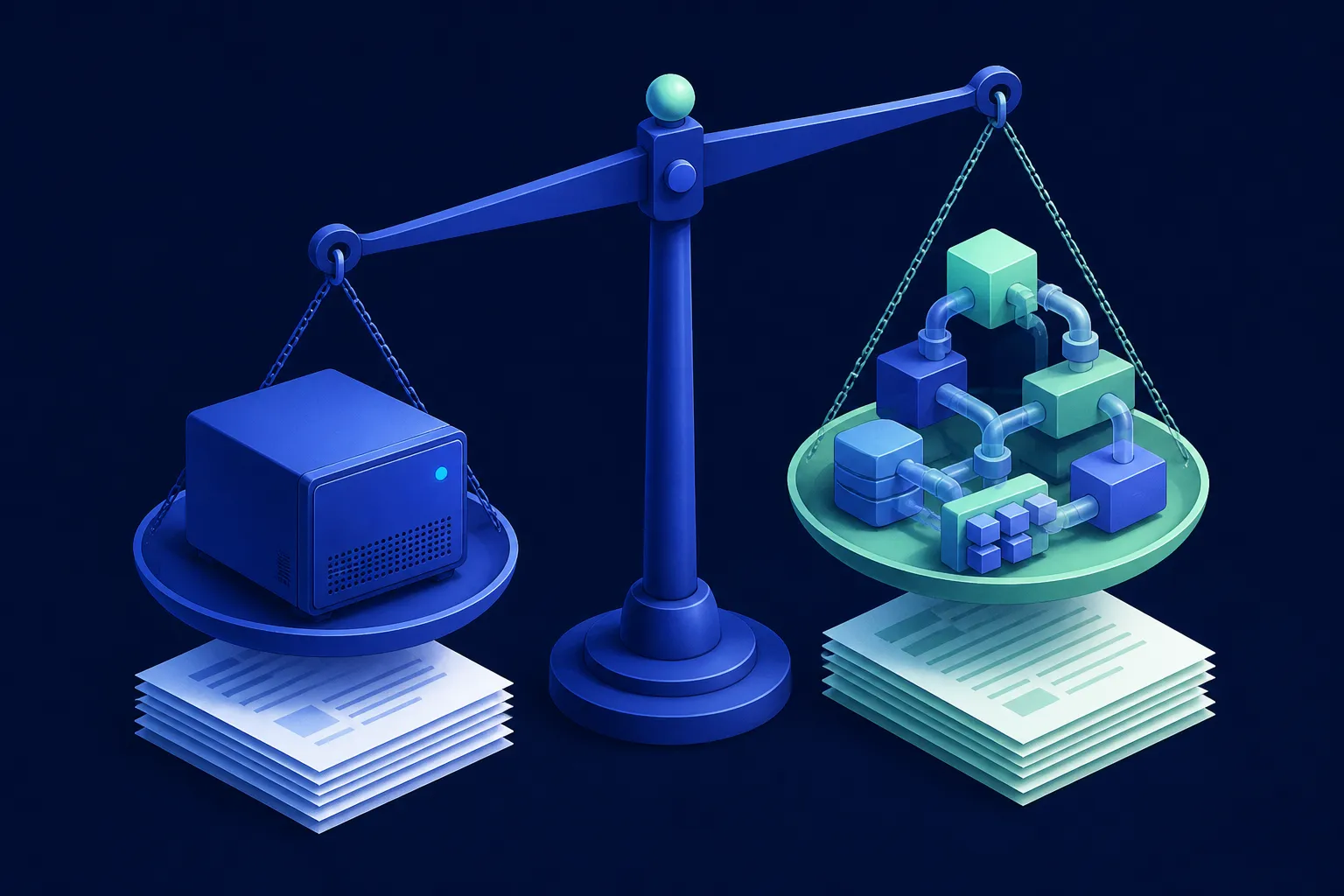
Intelligent document processing is an established software category — AWS and IBM both publish vendor overviews of it. Buy an intelligent document processing product when your documents are common types the vendor already handles well, when the destination is a system the product integrates with out of the box, and when data can leave your environment. Build when the documents are specific to your domain, when extraction has to feed your own data model and workflows, when data residency or compliance forbids a shared service, or when document processing is a feature of a product you sell.
| IDP product | Custom pipeline | |
|---|---|---|
| Fits when | Standard documents, standard destinations, no residency constraints | Domain-specific documents, own data model, compliance, part of a product |
| Cost model | Per page or per document, plus platform fee; grows with volume | Build cost up front; run cost per page is model and hosting usage |
| Time to first value | Days to weeks | 2–4 weeks to a PoC, 6–12 weeks to production |
| Customization | Within the product's schema and rules | Anything, including your validation logic and review UI |
| Data residency | Vendor's environment and terms | Your cloud or on-premises; models under private terms |
| Lock-in | Schema, review UI and integrations belong to the vendor | You own the pipeline; models are swappable |
The middle path is common: a vision-language model from a major provider under private terms for extraction, with your own validation, review interface and integrations around it. You get the model quality of a product without surrendering the data model or the data.
What does a custom document pipeline look like?
A production pipeline has six parts: a capture layer, an optical character recognition or vision model, an extraction step driven by schemas, a validation engine, a review interface for exceptions, and integrations into the systems of record — all with an audit log that records what was extracted, by what, and who confirmed it.
- Capture layer. Mailbox and portal connectors, deduplication, file normalization, a document store.
- OCR and vision model. Page images and text layers; handwriting and stamps handled by a vision-capable model.
- Schema-driven extraction. One schema per document type with field types, required flags and examples; the model fills the schema and returns confidence per field.
- Validation engine. Arithmetic checks, lookups against master data, business rules, duplicate detection.
- Review interface. Low-confidence fields highlighted on the original page, one-click confirm or correct; corrections feed back into the evaluation set.
- Integrations and audit. Posting to ERP, EHR, CRM or a workflow engine, with every decision logged for compliance and for debugging.
The retrieval and evaluation discipline here is the same one we describe in our RAG implementation guide; when the pipeline needs to take actions beyond posting data, it becomes an agent, which our AI agent development practice covers.
How do you measure accuracy before trusting it?
Measure accuracy field by field on a sample of real documents with known correct values, then set a confidence threshold that sends uncertain fields to review. The two numbers that matter are field-level accuracy on the fields that carry money or identity, and the straight-through processing rate — the share of documents that need no human touch.
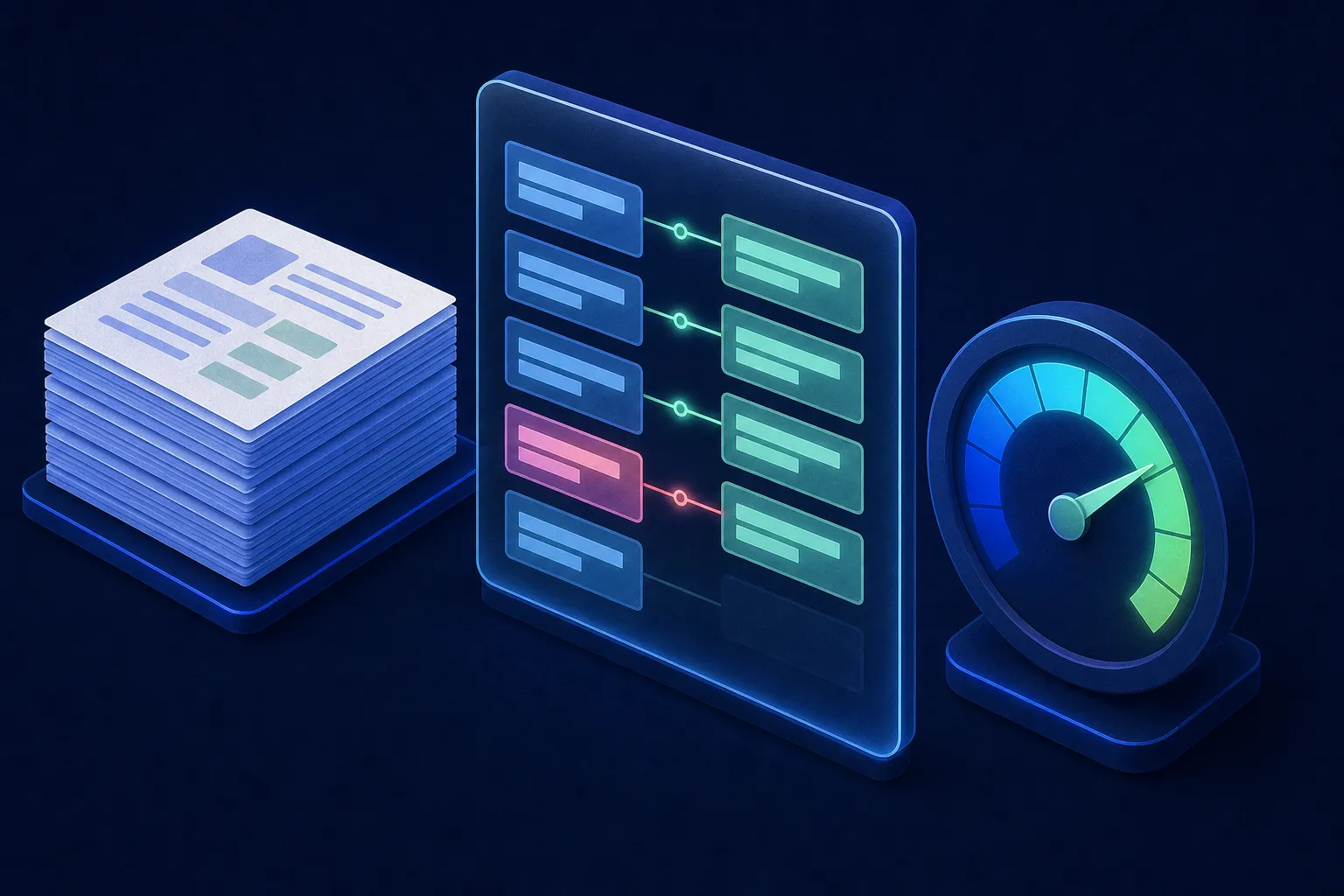
Build the evaluation set during discovery: two to five hundred real documents across the vendors or sources you actually receive, with the correct values recorded. Run every model or prompt change against it. Treat the review queue as a learning loop — every correction a reviewer makes is a new labelled example. Partners that cannot show you an evaluation set from a past project have not run document processing in production.
This is also what the NIST AI Risk Management Framework expects of any AI system that makes consequential decisions: measured performance on representative data before deployment, and monitoring afterwards.
How much does document processing automation cost?
At Empat, document automation follows a staged ladder: discovery from $5,000 over one to two weeks, a proof of concept on two to five hundred of your real documents from $15,000 over two to four weeks, an MVP pipeline for one document type in production from $30,000 over six to twelve weeks, and a full product from $50,000. Model usage and hosting are a separate run cost that scales with pages processed.
- Discovery — from $5,000. Document inventory and volumes, the destination systems, the evaluation set, residency and compliance constraints, and a buy-versus-build recommendation.
- Proof of concept — from $15,000. Measured field-level accuracy on your real documents, a confidence threshold, and a go or no-go decision.
- MVP — from $30,000. One document type end to end: capture, extraction, validation, review interface, one or two integrations, audit log.
- Full product — from $50,000. Additional document types, more integrations, analytics, and workflow actions beyond posting data.
Ask for the run cost per thousand pages before the build starts; it depends on model choice, page complexity and how many fields you extract. For a first-pass number on your own volumes, try our project cost calculator.
How Empat approaches document automation
Empat builds document pipelines PoC-first: a measured result on your real documents before any production commitment, schemas and validation designed around your data model, and a review interface from day one rather than after the first incident. We work under HIPAA and financial-services constraints, with data residency decided in discovery; see our guide to HIPAA-compliant app development for how that shapes the architecture.
If document processing is one step in a wider process you want to automate, our AI workflow automation guide covers how the pieces fit, and the AI Agent Blueprint Workshop produces a concrete design for your case in a fixed engagement.
For the wider picture of which processes to automate first and how to choose a partner for the work, see our guide to AI automation services.
FAQ
What is automated document processing?
Automated document processing is a pipeline that captures incoming documents, classifies them, extracts the fields you need into structured data, validates them against rules and other systems, and routes the result into your software, with a person reviewing only the low-confidence cases. Intelligent document processing is the vendor-category name for products that do this; a custom pipeline does the same with your own schemas, validation and integrations.
How accurate is AI document processing?
Accuracy depends on the document type, image quality and the fields you extract, so the only honest answer is a measurement on your own documents. Build an evaluation set of a few hundred real examples with known correct values, measure field-level accuracy, and set a confidence threshold that sends uncertain fields to human review. Clean printed invoices reach high straight-through rates; handwritten medical forms need more review.
Should we buy IDP software or build a custom document pipeline?
Buy when your documents are common types, the destination systems are ones the product integrates with, and data may leave your environment. Build when documents are specific to your domain, extraction must feed your own data model and workflows, compliance or residency rules out a shared service, or document processing is part of a product you sell. Many teams use a major provider's model under private terms inside a custom pipeline.
How much does document processing automation cost?
At Empat, discovery starts from $5,000, a proof of concept on your real documents from $15,000 over two to four weeks, an MVP pipeline for one document type from $30,000 over six to twelve weeks, and a full product from $50,000. Model and hosting usage is a separate run cost per page, so ask for a per-thousand-pages estimate before the build.


